Advent Street
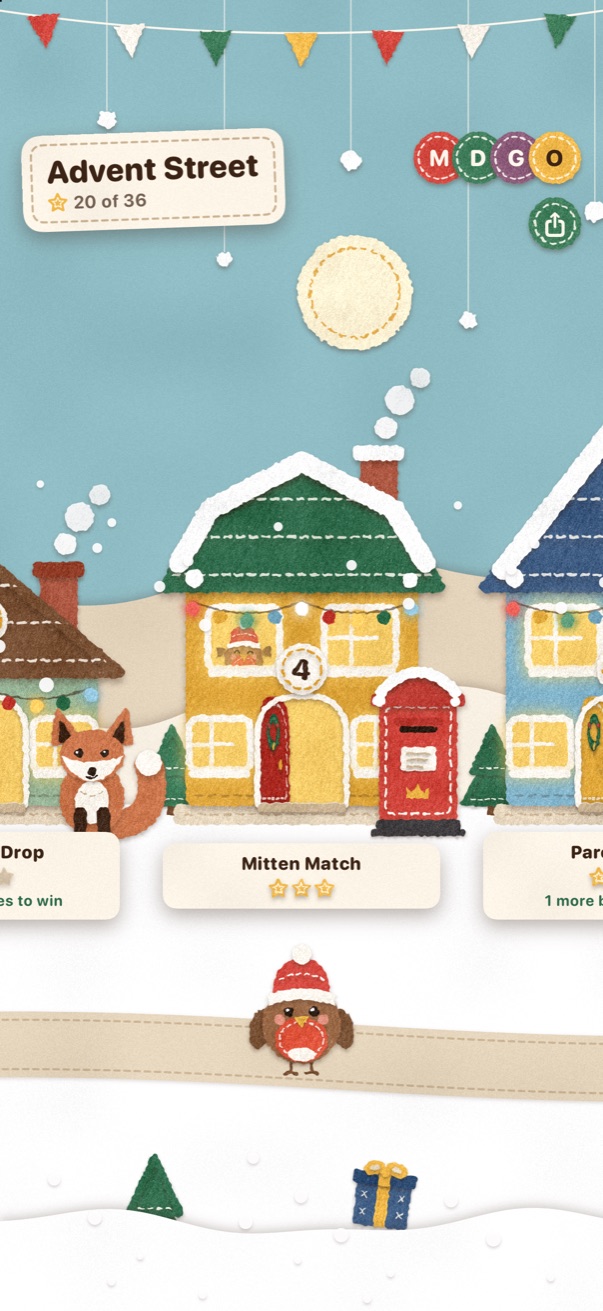
An advent calendar you play, for iPhone and iPad. Twenty-four felt-and-paper houses, one door for each day from 1 December to Christmas Eve, and a 30-second game behind every door for the family to take turns at.
You pay once. There are no adverts, no in-app purchases and no account, and the game collects no data. Read the privacy policy.
Help
When do the doors open?
Door 1 opens at midnight at the start of 1 December 2026, by your device's own clock. One more opens each day, and door 24 opens on Christmas Eve. A locked door tells you its date when you tap it.
Our street has only twelve doors.
Then you have version 1.0, which starts on 13 December. Version 1.1 has 24 doors from 1 December and is a free update: when the App Store offers it, tap Update. Your players and their levels are kept.
We missed a day. Have we lost that door?
No. Once a door's day has come it stays open, so you can catch up whenever you like, in any order. After Christmas every door stays open.
Is there anything to play before 1 December?
Yes. Tap the "Warm up with Pip" sign beside the robin for a practice game. It gives no stars and nothing from it is saved. The same game comes back as door 12, where it does win stars.
Can we play a door again?
As often as you like. The street keeps the most stars you have won at each door, so a second go can only add baubles to the tree.
How do we add a player, or make the games easier for a child?
Tap the round player buttons at the top right of the street. You can add up to six players, change their names and colours, and tap a player's level to move it between Gentle and Expert. Each player keeps their own level.
How do we turn the daily reminder on or off?
On the same card, use the "Daily reminder" switch and choose a time. If reminders are on but do not arrive, open the Settings app, choose Notifications, then Advent Street, and check that notifications are allowed. A Focus such as Do Not Disturb can also hold them back.
How do we add the widget?
Touch and hold an empty part of the Home Screen, tap Edit, then Add Widget, and choose Advent Street. It shows today's door and the sleeps to Christmas.
Is our street backed up? Can we move it to another device?
Your street is saved on the iPhone or iPad you play on and is part of that device's own backup, so it comes back if you restore the backup to a new one. It does not sync between devices: a street started on an iPhone does not appear on an iPad. Deleting the app deletes the street.
Can we start again?
There is no reset button. Deleting the app and installing it again gives you a new street.
Does it work on iPad?
Yes. Advent Street is made for iPhone and iPad, including iPhone Duo, and one purchase covers both. Each device keeps its own street.
I would like a refund.
Purchases are handled by Apple. You can ask for a refund at reportaproblem.apple.com.
Contact
If something is not working, or you have a question that is not answered here, email helloyumyumsapp@gmail.com. It helps to say which iPhone or iPad you have and what you were doing when it went wrong.